The Hours and Vacation Balance page provides an overview of banked hours and vacation balances for individual employees as well as the company as a whole.
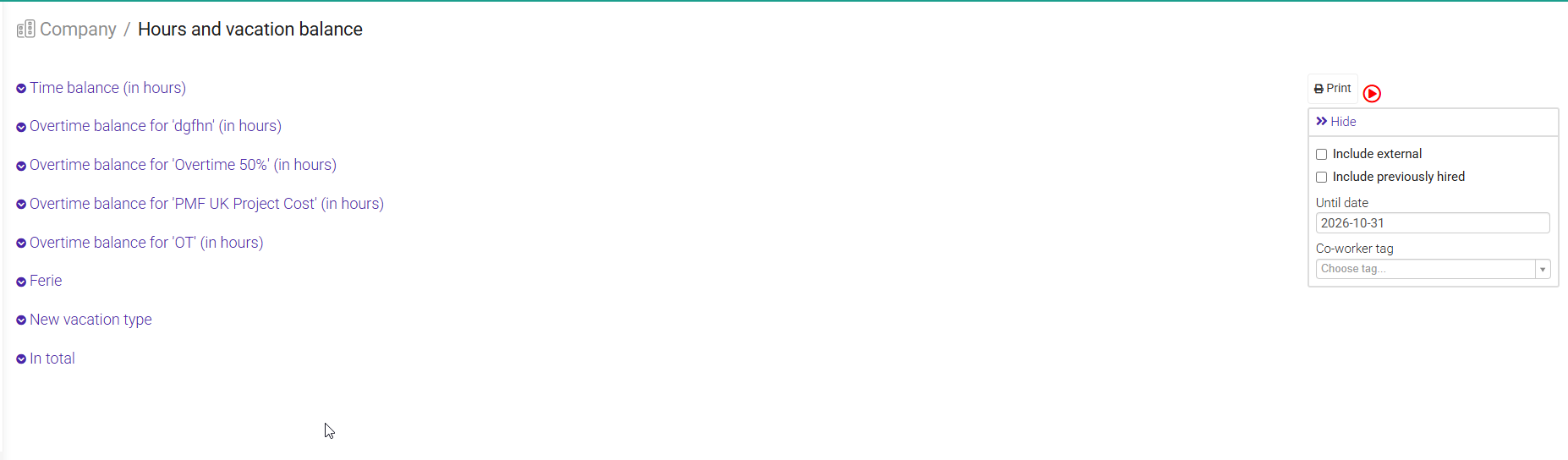
You can use this page to monitor balances, make corrections, and transfer balances to a new year.
Would you like to transfer vacation hours or banked hours from the previous year to the new year?
After January 1st, this setting will display the balance for the current year.
From here, you can easily transfer any remaining hours from the previous year and add a new starting balance if needed.
To make the process as simple as possible, we recommend completing the transfer after the new year begins. As long as all hours have been recorded correctly, Moment will automatically calculate the balances for you.
Example: To transfer a vacation balance from 2026 to 2027, select 2027 in the filter before completing the transfer.
You can also update time balances manually by clicking the opening balance for an employee in the list.
For a more detailed overview, time balances can also be managed from the employee's resource page under the Time balance tab.
Vacation balances can also be adjusted manually if needed.
Each employee has an Absence overview tab on their resource card. If a vacation balance is incorrect after a transfer, an administrator can review and update the balance directly from there.
The "In Total" section at the bottom gives you an overview of all company time balances, grouped by overtime category and vacation balance.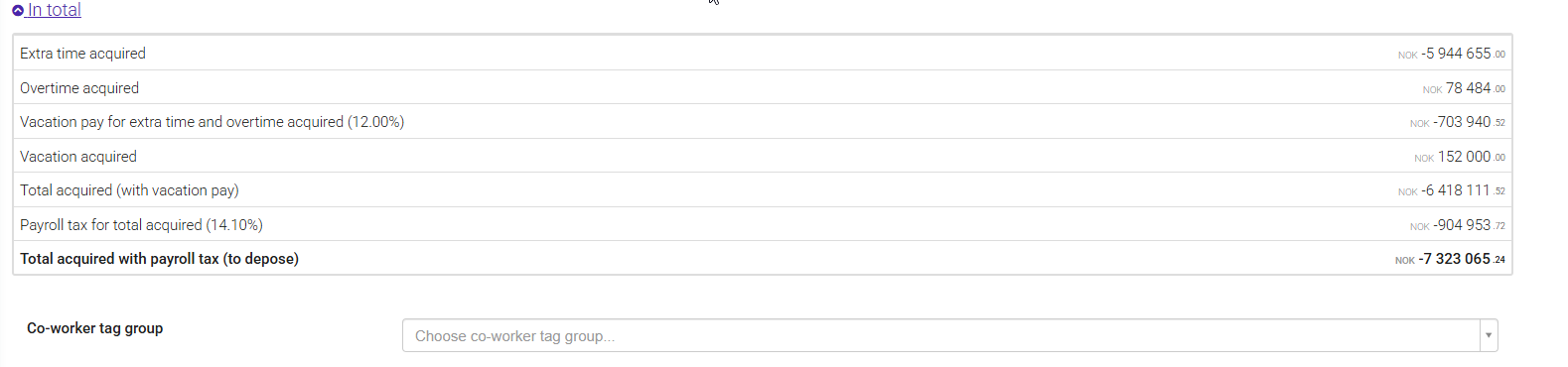
Was this article helpful?
That’s Great!
Thank you for your feedback
Sorry! We couldn't be helpful
Thank you for your feedback
Feedback sent
We appreciate your effort and will try to fix the article