Find Customers in the main navigation menu.
Here, you can register new customers, update customer details, manage contacts, define communication recipients, and configure invoicing settings. It provides a complete overview of all customers and helps ensure that customer information, communication preferences, and billing details remain up to date.
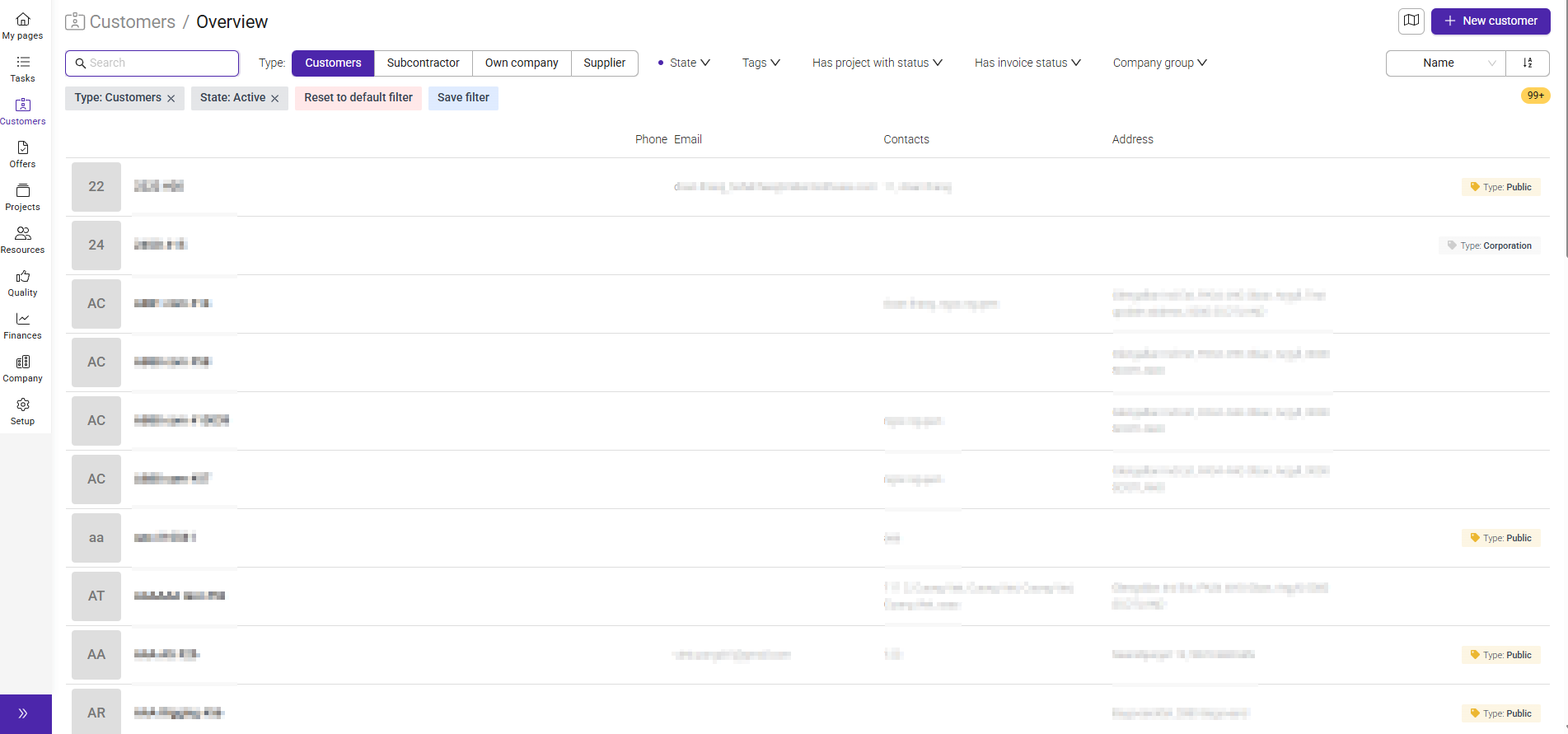
The customer overview provides a complete list of all registered customers and makes it easy to find the information you need.
From this page, you can search for customers, filter the customer list, open customer profiles, and create new customer records.
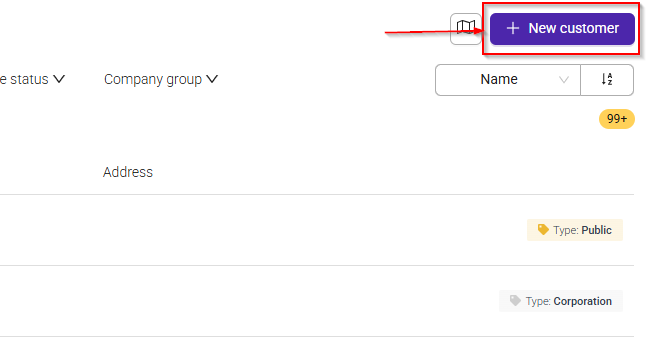
To create a new customer, click the + New customer button in the top-right corner of the Customer Overview page.
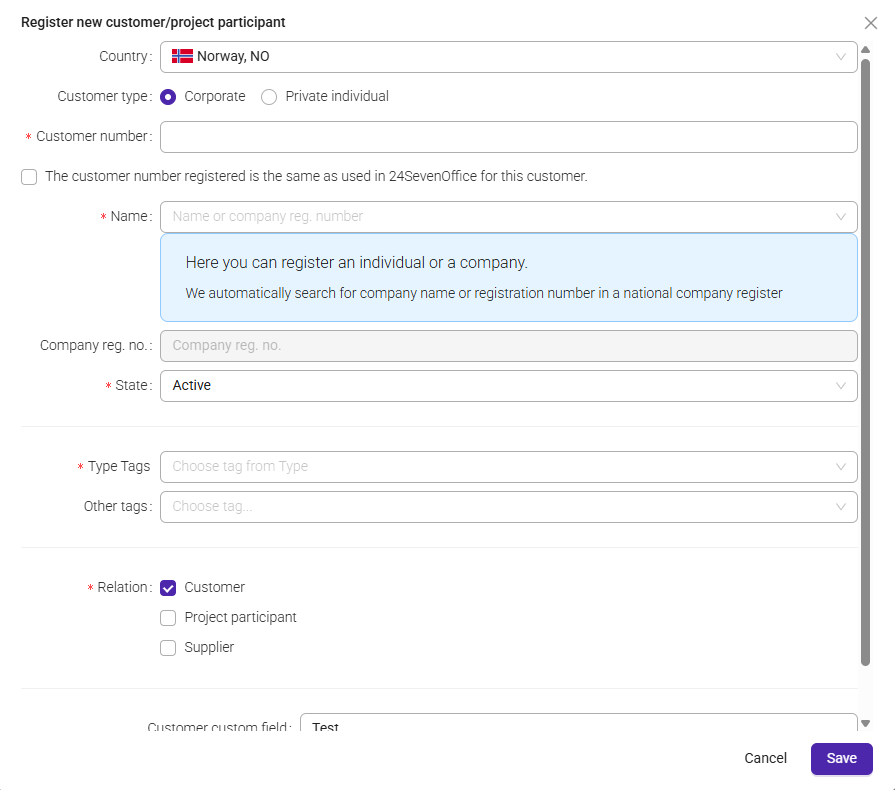
Enter the required customer information, such as the customer name, organization number (if applicable), address, location, and main contact information. When all required fields have been completed, save the customer to create the customer profile in the system.
Once the customer has been created, you can continue maintaining customer information by adding contacts, managing communication recipients, updating customer details, and configuring invoicing settings.
Was this article helpful?
That’s Great!
Thank you for your feedback
Sorry! We couldn't be helpful
Thank you for your feedback
Feedback sent
We appreciate your effort and will try to fix the article