Find Contacts under Customer > Contacts > Overview
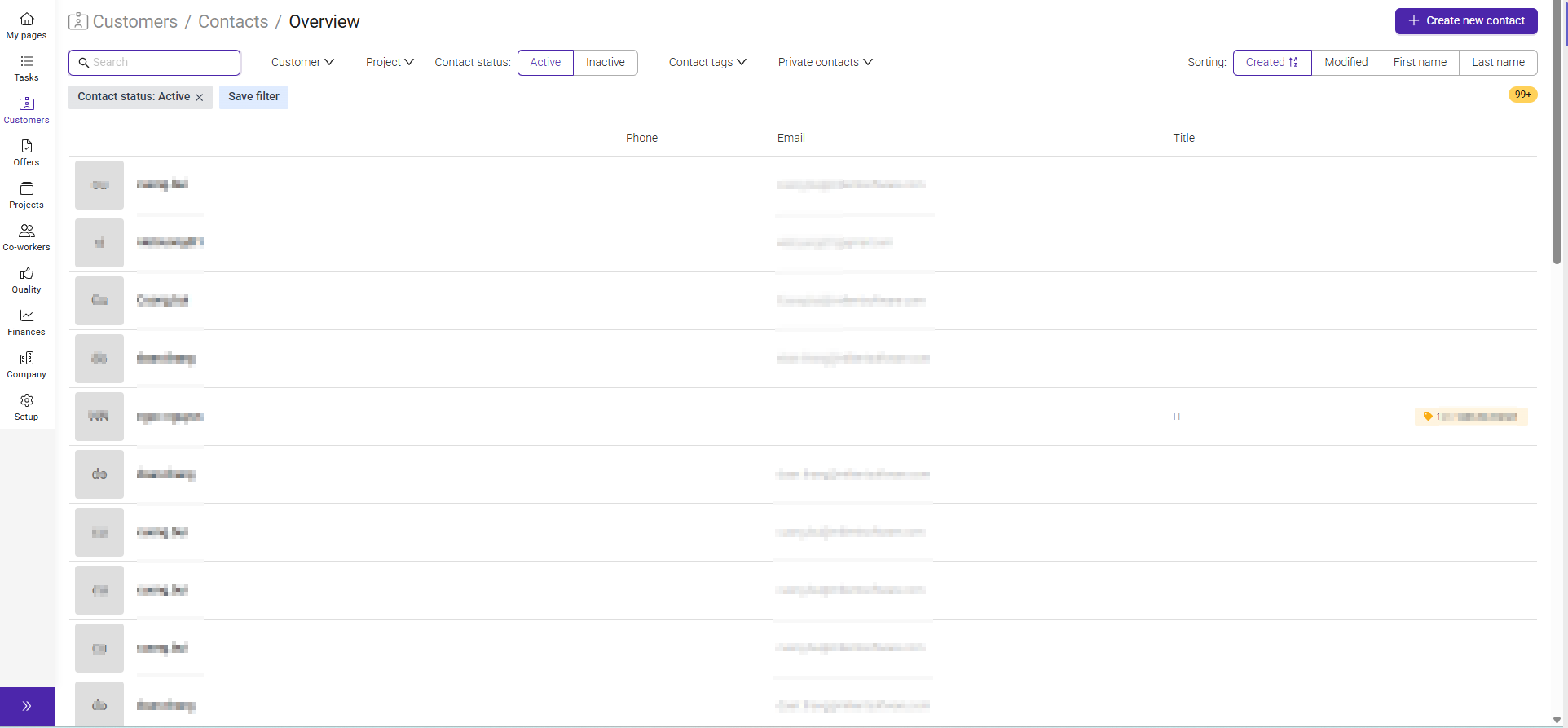
The Contacts section helps you manage the people associated with a customer. You can store contact information, assign communication roles, and add contacts to mailing lists to ensure the right people receive the right information.
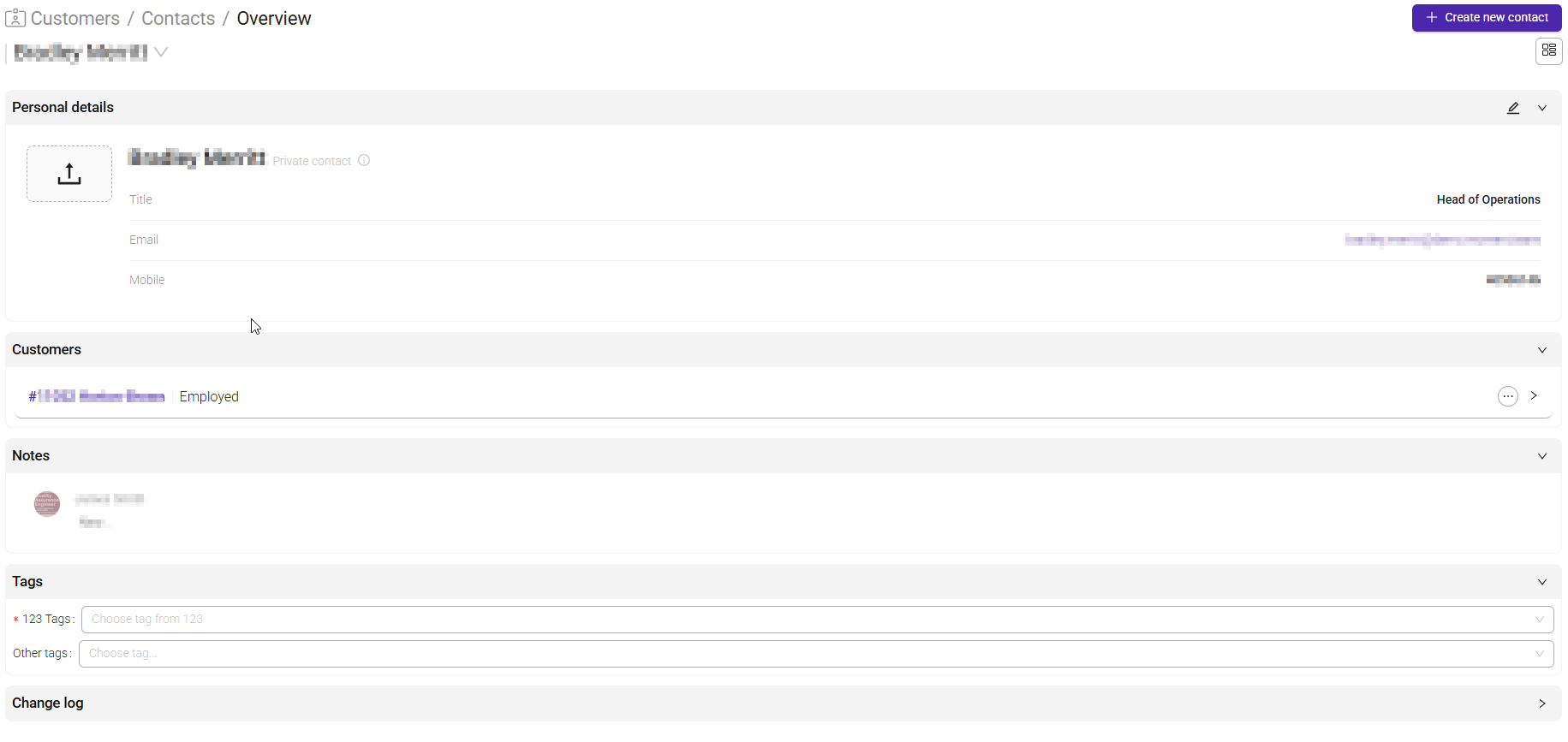
Each contact has its own contact card with information.
Here you can view the contact's personal information and see which customer the contact is associated with.
Click the pencil icon to edit the contact.
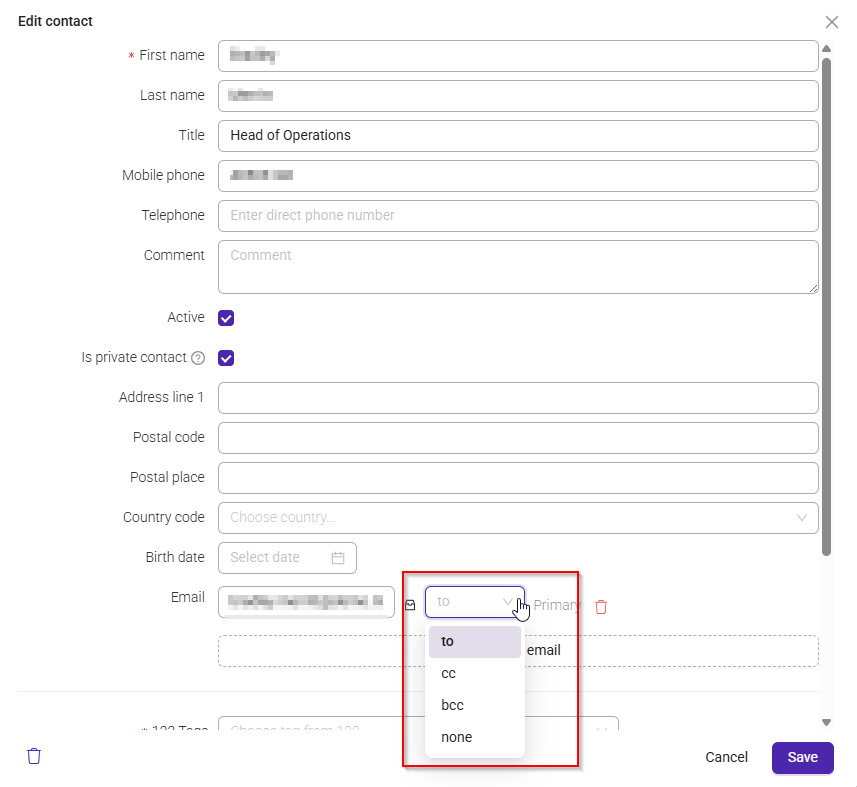
For each email address, you can choose how the contact should receive emails sent from the system.
| Option | Meaning |
|---|---|
| To | The primary recipient of the email. The message is addressed directly to this contact. |
| CC | Receives a copy of the email. All recipients can see that this contact has received the message. |
| BCC | Receives a hidden copy of the email. Other recipients cannot see that this contact has received the message. |
| None | The email address is saved on the contact record but is not included when emails are sent from the system. |
This setting is especially important for invoice distribution and other customer communications.
Was this article helpful?
That’s Great!
Thank you for your feedback
Sorry! We couldn't be helpful
Thank you for your feedback
Feedback sent
We appreciate your effort and will try to fix the article