Click on Customers > Report to see all your customer listed in a report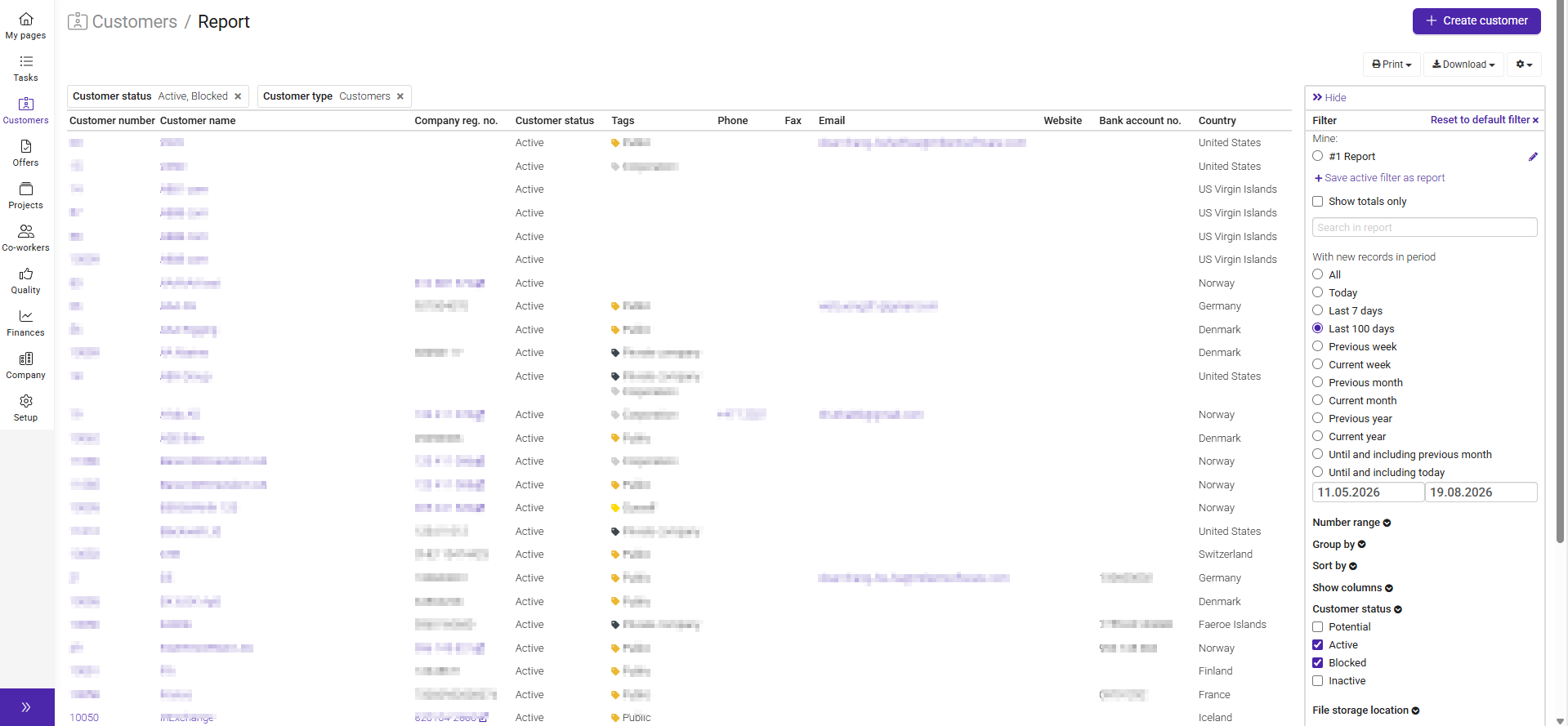
It works in the same way as other reports in Moment. On the right-hand side you have several filtering options including “Show columns” where you can add the columns you need.
Was this article helpful?
That’s Great!
Thank you for your feedback
Sorry! We couldn't be helpful
Thank you for your feedback
Feedback sent
We appreciate your effort and will try to fix the article