Find this by navigating to: Finances > To be invoiced
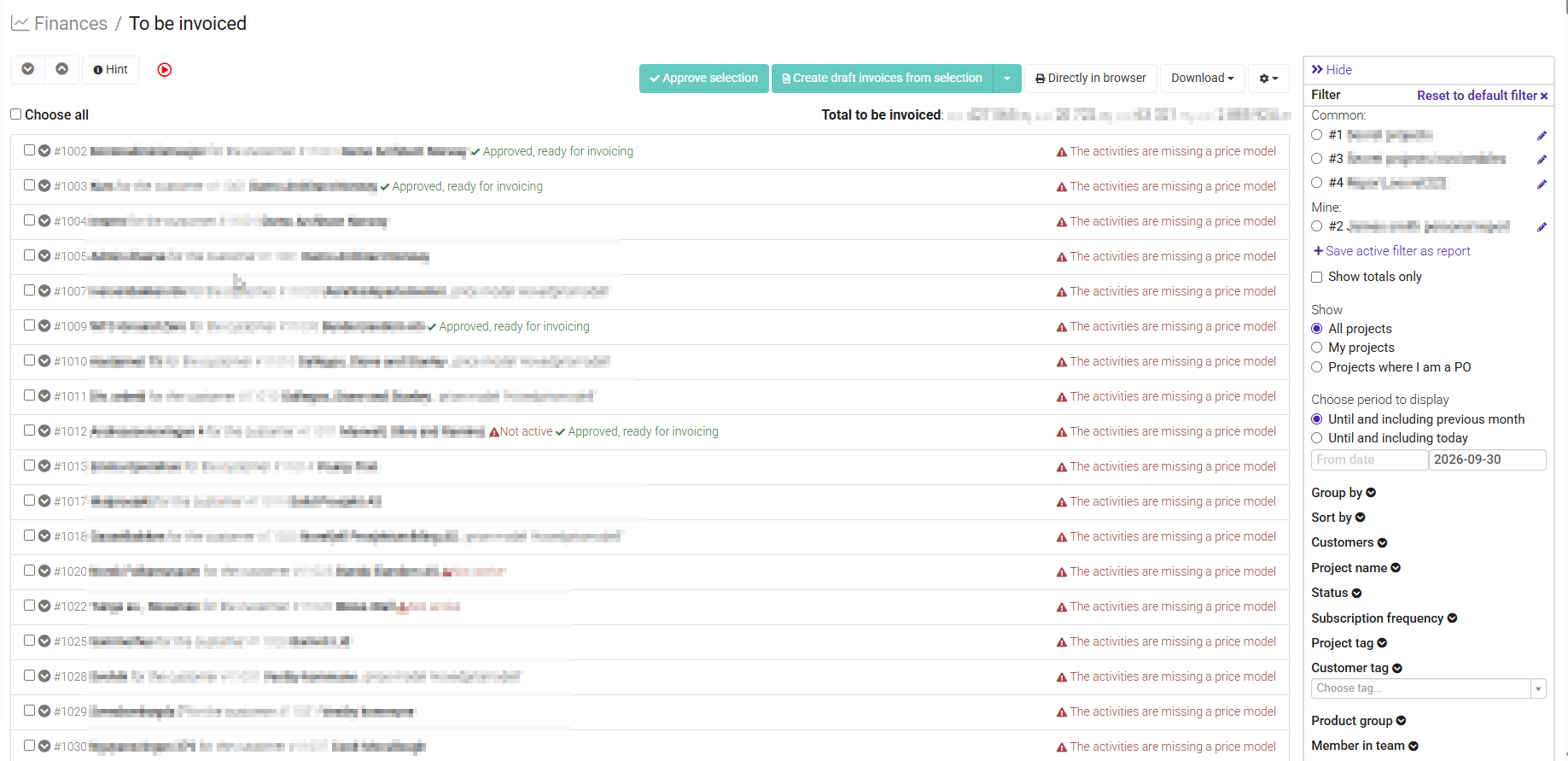
The To Be Invoiced page is the starting point of the invoicing process. It brings together all billable project data that is ready to be invoiced, making it easy to review invoiceable items and create invoices.
Instead of reviewing each project individually, you can use this page to quickly identify what is ready for invoicing and begin the invoice creation process.
Only invoiceable project data that meets specific requirements will appear on this page.
An entry will appear in To Be Invoiced when all of the following conditions are met:
- The item is marked as Billable
- The item has been Approved (if approval is required)
- The item has not already been invoiced
If any of these requirements are not met, the item will not be available for invoicing.
Depending on your company's setup and the project's price model, the To Be Invoiced page may include:
- Registered hours
- Expenses
- Product sales
- Fixed-price billing
- Subscription billing
- Other billable project transactions
The To Be Invoiced page helps you:
- Get an overview of all invoiceable project data
- Identify projects that are ready to be invoiced
- Review billable transactions before creating invoices
- Start the invoice creation process from a single location
- Reduce the risk of missing invoiceable items
Was this article helpful?
That’s Great!
Thank you for your feedback
Sorry! We couldn't be helpful
Thank you for your feedback
Feedback sent
We appreciate your effort and will try to fix the article