The Task report provides a quick overview of all tasks and includes useful options for batch updating.
It works in the same way as other reports in Moment. On the right-hand side you have several filtering options including “Show columns” where you can add the columns you need.
This report also allows you to update multiple tasks at once. After selecting the relevant tasks, check if the column header is highlighted in blue. If it is, you can update that value for all selected tasks in one action.
Please note that updating many tasks at once may take some time to complete. It is therefore recommended to limit the number of tasks you update in a single batch.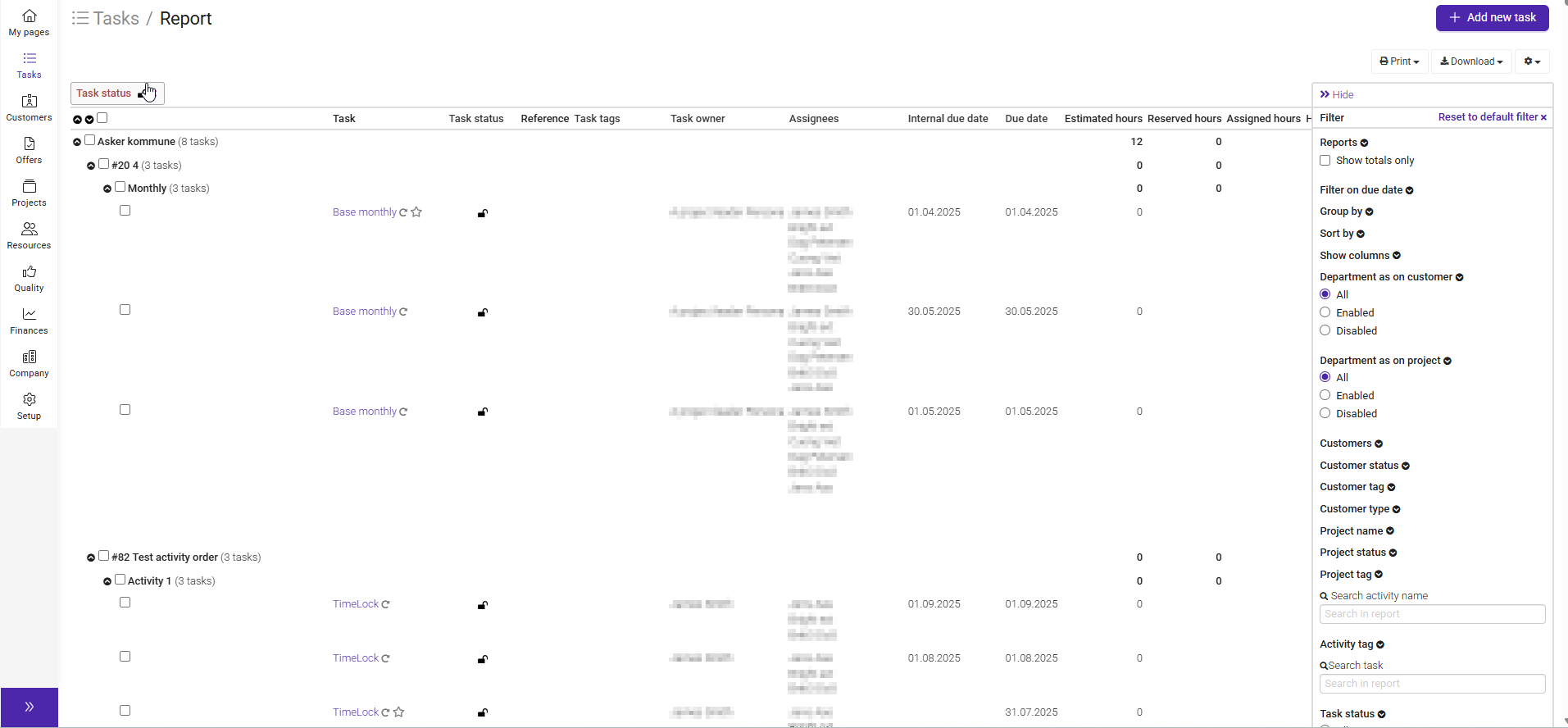
Was this article helpful?
That’s Great!
Thank you for your feedback
Sorry! We couldn't be helpful
Thank you for your feedback
Feedback sent
We appreciate your effort and will try to fix the article