Tasks in Moment allow you to plan your work within a project in easily manageable parts.
By creating a task you can reserve and plan you own or your co-workers time.
By going to Tasks > Planning you will see an overview of available tasks on the right side, and on the left side you will see a list of co-workers and their weekly schedule. You can then choose a task from the right side and drag it towards the day in which you want them to start working with the task. You will then get an option to choose the amount of hours allocated to the co-worker and the frequency. In this case we choose to allocate from a date to another. 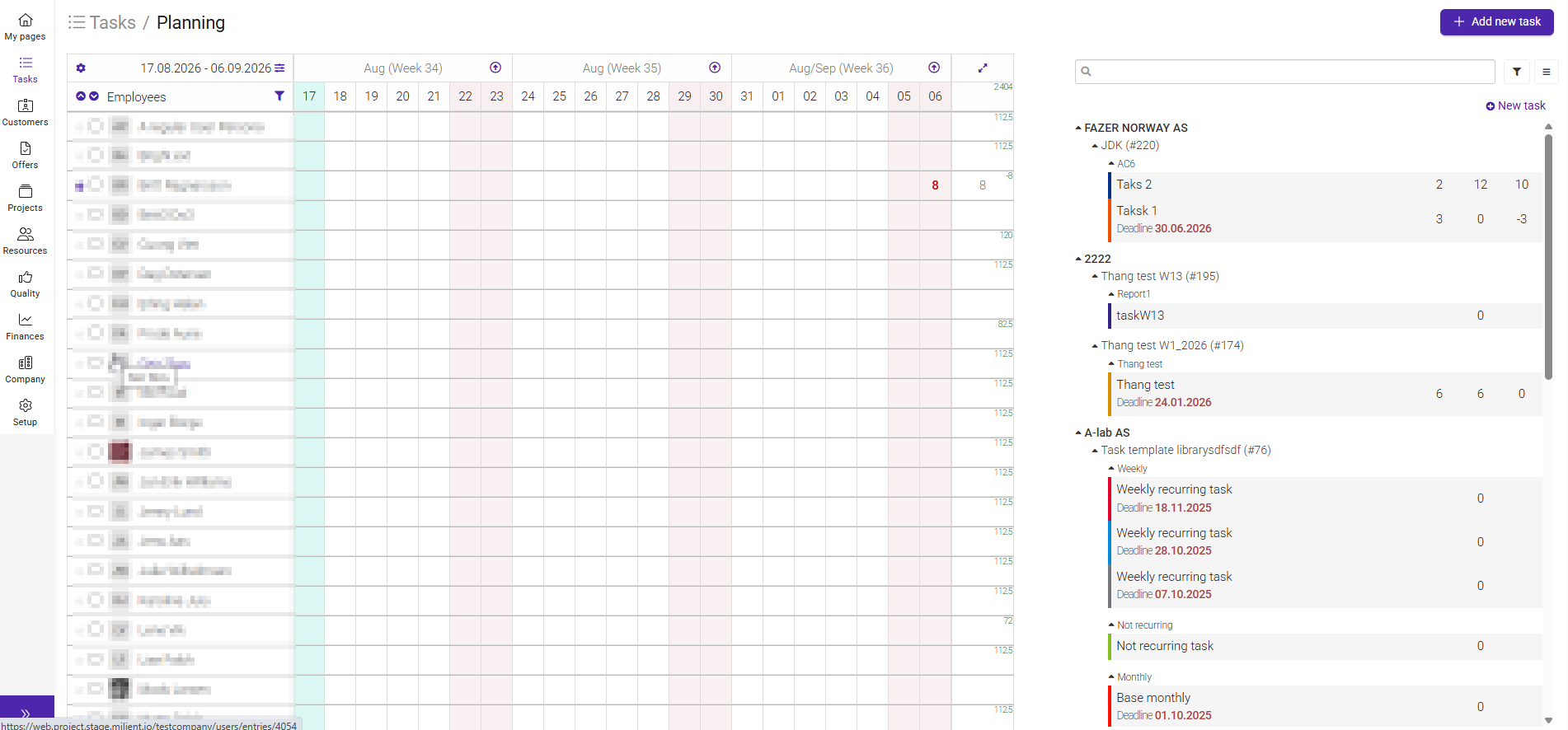
Was this article helpful?
That’s Great!
Thank you for your feedback
Sorry! We couldn't be helpful
Thank you for your feedback
Feedback sent
We appreciate your effort and will try to fix the article