Find all your projects in the main navigation menu under Projects > Project Overview.
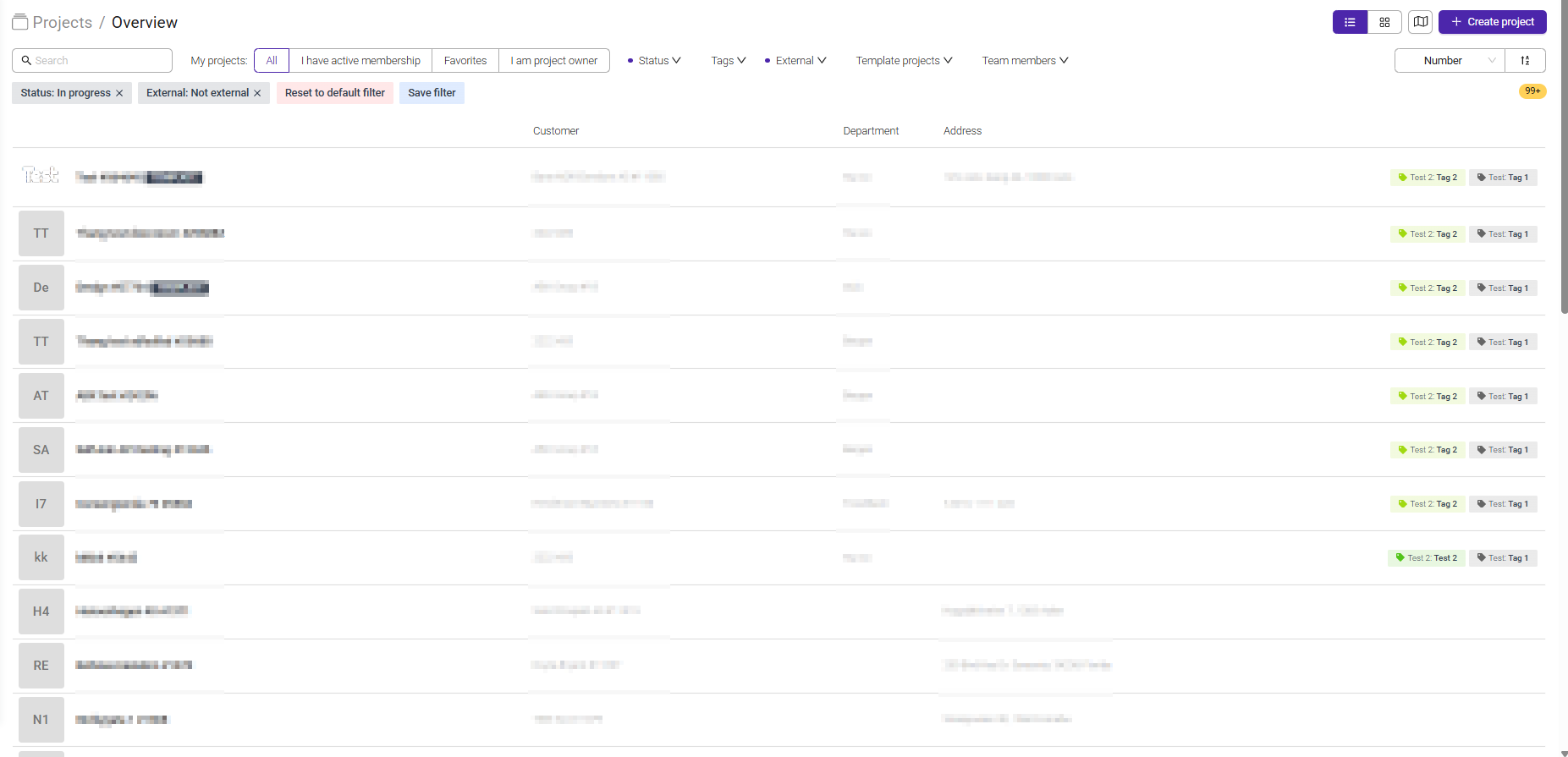
Projects Overview provides a complete list of all projects you have access to.
It is the central place for finding, filtering, and opening projects.
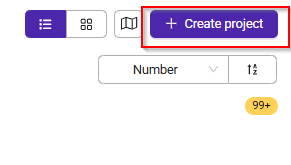
You can also create a new project directly from the Project Overview page. Create a new project by clicking '+ Create Project' in the top-right corner.
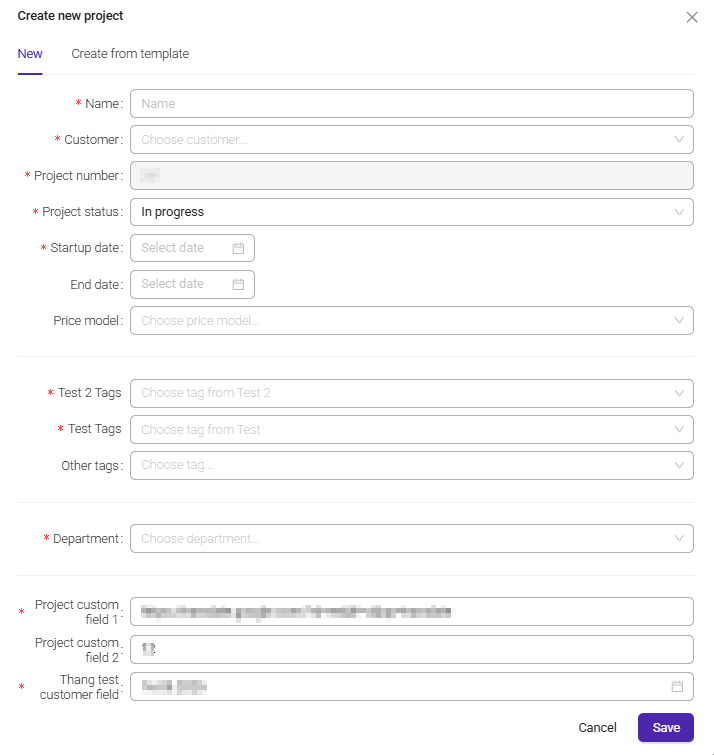
Enter the required project information, add any optional settings if needed, and click 'Save'.
Was this article helpful?
That’s Great!
Thank you for your feedback
Sorry! We couldn't be helpful
Thank you for your feedback
Feedback sent
We appreciate your effort and will try to fix the article