The Price Lists page provides an overview of all available price lists for hourly rates.
From here, you can create, edit, delete, and organize your price lists.
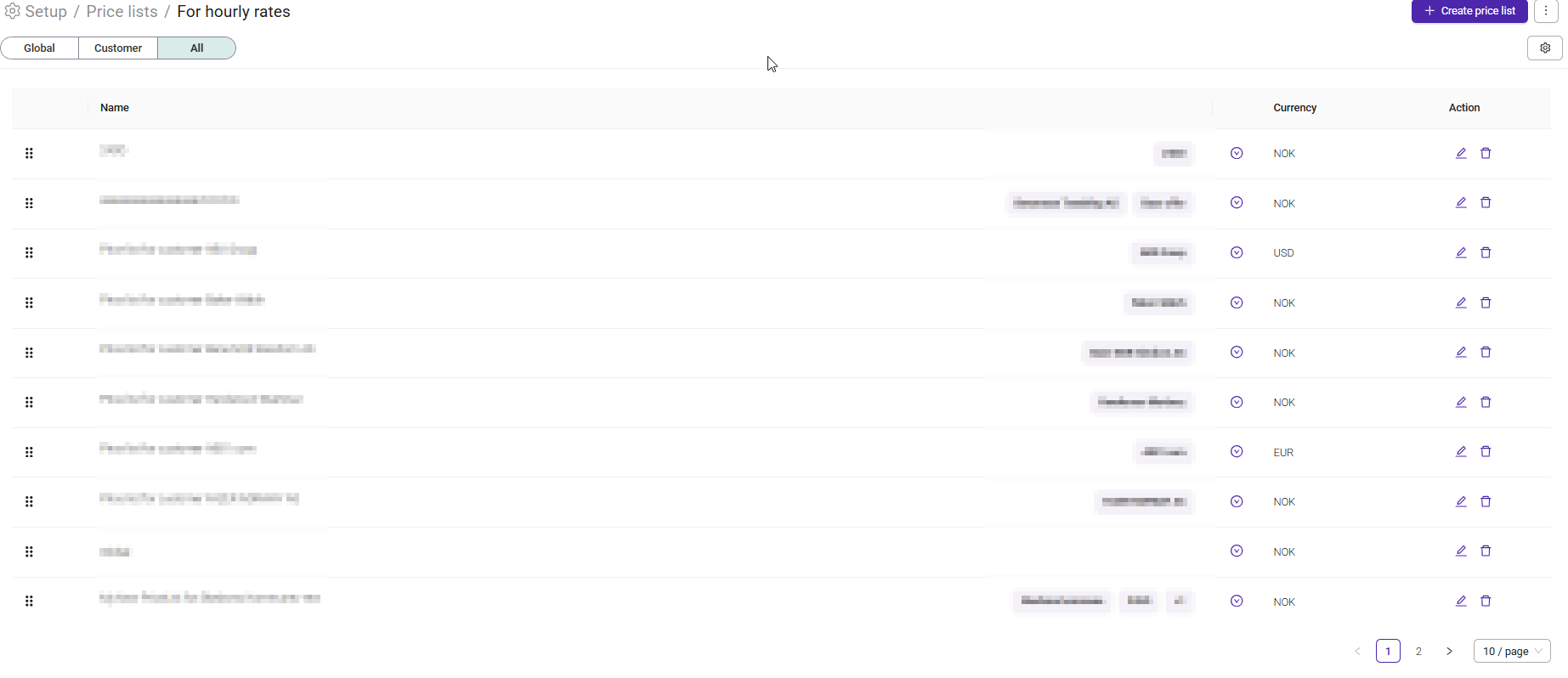
Use the tabs at the top of the page to view different types of price lists:
- Global – Displays price lists that are available to all customers.
- Customer – Displays price lists created for specific customers.
- All – Displays both global and customer-specific price lists.
Create a new price list by clicking '+ Create price'
Each price list includes the following information:
- Name – The name of the price list.
- Customer/Base offer – Indicates which customer or base offer the price list belongs to.
- Currency – The currency used for the rates in the price list.
Available actions:
- Edit – Open the price list and make changes.
- Delete – Remove the price list.
- Drag and drop – Reorder price lists by dragging them to a new position.
Click the Settings icon to customize which price lists are displayed in the overview, such as showing only currently active price lists.
Was this article helpful?
That’s Great!
Thank you for your feedback
Sorry! We couldn't be helpful
Thank you for your feedback
Feedback sent
We appreciate your effort and will try to fix the article